
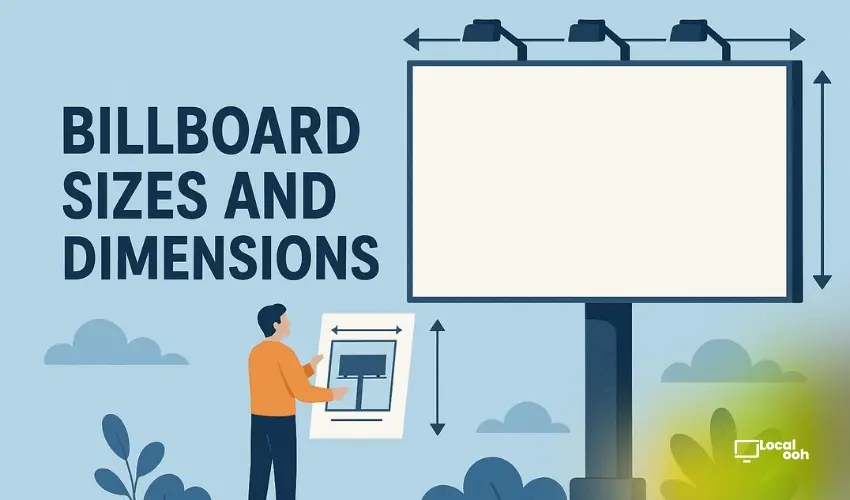
Quick answer: OOH media specs are the technical rules your artwork must follow before it can run on a billboard, digital screen, transit unit, or place-based network. Ask for the exact spec sheet for each placement, confirm size and file type, protect the safe area, test readability at viewing distance, and keep one final approved version for production or trafficking. The safest workflow is media plan first, spec confirmation second, creative export third, final approval last.
Why OOH specs matter before the campaign is bought
OOH is a physical and screen-based medium, so creative cannot be treated like a social ad export. A file that looks correct on a laptop can fail on a large printed unit, crop badly on a digital screen, or miss a delivery deadline because the wrong format was sent.
The practical mistake is waiting until the campaign is approved to ask for specs. Buyers should request technical requirements as soon as the media options are shortlisted. That gives the creative team enough time to design for the real unit instead of resizing a generic asset at the end.
Start with the Local OOH media specs page, then use the checklist below before sending files to a production vendor or screen network.
OOH artwork checklist
| Check | Why it matters | Who confirms it |
|---|---|---|
| Final unit size | Prevents cropping, stretching, or wrong-format exports | Media owner or production vendor |
| Safe area and bleed | Keeps logos, offers, phone numbers, and legal copy visible | Designer and production vendor |
| Readability distance | Confirms the headline can be understood quickly in real conditions | Creative lead and media planner |
| File type and color | Matches the printer, screen network, or trafficking platform | Designer and media owner |
| Final approval version | Avoids sending an old offer, wrong phone number, or unapproved claim | Brand or agency lead |
Static billboard specs vs. DOOH specs
Static billboards and digital out-of-home screens need different production thinking. Static files are built for printing, installation, weather exposure, and physical viewing distance. Digital files are built for screen ratios, brightness, motion rules, duration, and trafficking systems.
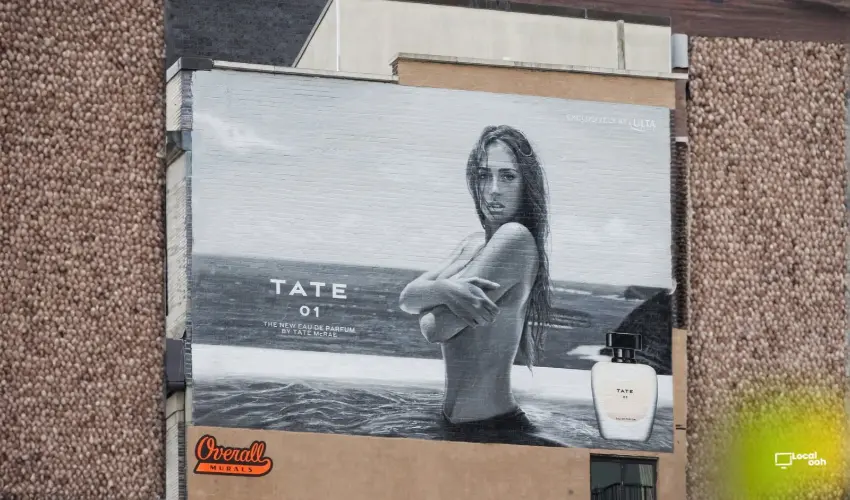
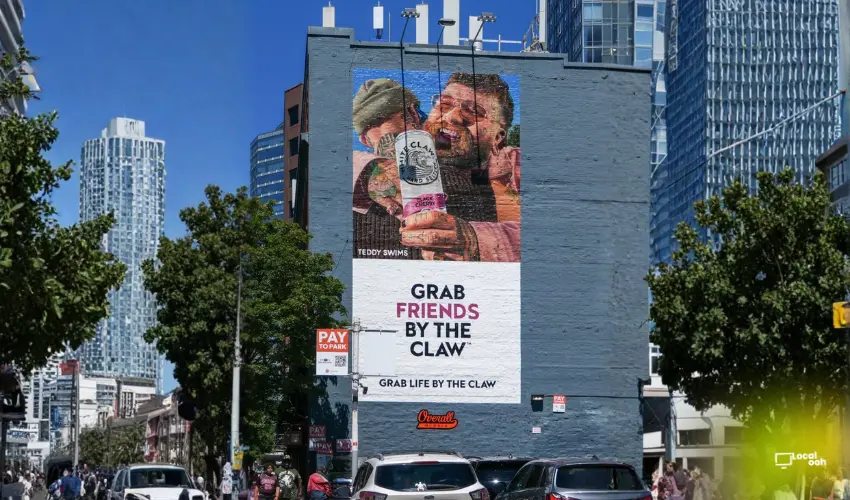
- Static billboards: confirm final printed dimensions, bleed, scale, resolution, color profile, and production deadline.
- Posters and street furniture: check panel size, trim, live area, backlit requirements, and any placement-specific copy rules.
- Digital billboards: confirm pixel dimensions, accepted file types, loop duration, motion limits, and daypart requirements.
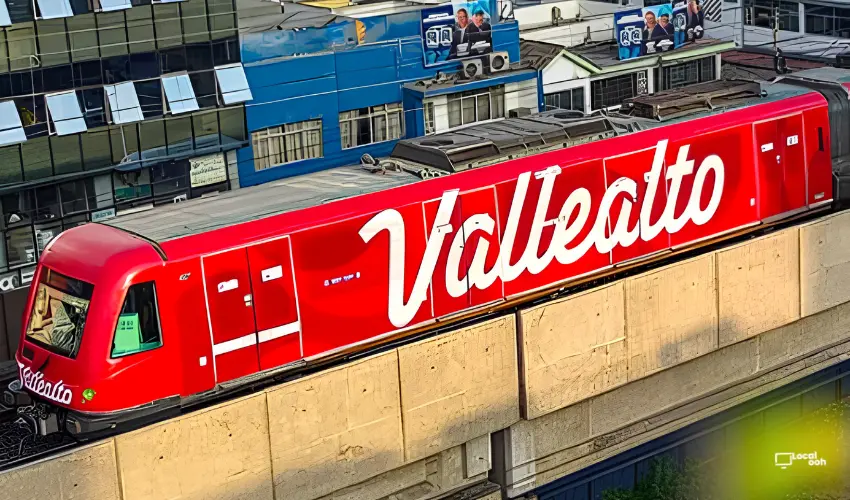
- Transit media: confirm vehicle or shelter templates, panel naming, route versioning, and install timelines.
- Place-based screens: confirm orientation, screen ratio, dwell time, audio rules, and whether static or motion creative is accepted.
If you are planning a billboard campaign, compare requirements with billboard advertising options. For creative layout checks, use Local OOH creative best practices.
How to prevent last-minute production problems
Most artwork problems happen because teams approve the message without confirming the media environment. A six-word headline can still fail if the logo is too small, the legal line is too close to an edge, or the digital file is built for the wrong ratio.
- Request specs with the proposal: do not wait until the media is already booked.
- Design one master idea: keep the campaign concept consistent before adapting sizes.
- Build each unit from its own template: avoid stretching one file across every format.
- Test the two-second read: view the artwork small, far away, and quickly.
- Lock final version names: use date, market, unit, size, and version number.
- Assign one final approver: avoid multiple teams sending conflicting files.
What belongs in the creative brief
A clean OOH brief makes specs easier to manage. It should define the audience, market, format, offer, CTA, brand rules, required legal copy, and success signal before artwork begins.
- Audience: who should notice the message and where they are moving.
- Placement type: billboard, poster, transit, digital screen, airport, retail, or place-based media.
- Core message: one promise or action, not a full landing page in outdoor form.
- CTA: call, visit, book, scan, search, apply, or get a quote.
- Version map: which markets, stores, routes, or offers need separate files.
When specs should change the media plan
Specs can expose whether a placement is a good fit for the campaign. A complex legal offer may not work on a fast roadside unit. A motion-heavy concept may not be accepted by every screen network. A local retail opening may need versioned creative by store area instead of one national file.
Use specs as a planning filter, not only a production requirement. If the unit cannot carry the message clearly, simplify the message or choose a format with more dwell time.
Ask for a spec-ready OOH plan
A useful OOH plan should show media options, deadlines, creative requirements, and the file workflow needed to launch without production surprises. Contact Local OOH to build a campaign plan that includes media specs, creative adaptation, and approval steps from the start.
FAQs
What are OOH media specs?
OOH media specs are the technical requirements a media owner gives for a billboard, digital screen, transit unit, or place-based placement. They usually cover size, file type, resolution, color, safe area, naming, and delivery deadline.
Do billboard specs use the same file size for every location?
No. Billboard specs vary by vendor, structure, production method, market, and whether the unit is static or digital. Always confirm the final spec sheet for the exact unit before exporting artwork.
What file types are commonly used for OOH artwork?
Static OOH often uses high-quality PDF, TIFF, EPS, or packaged design files depending on the printer. DOOH commonly uses JPG, PNG, MP4, MOV, or HTML5 depending on the screen network.
What should be checked before sending OOH artwork?
Check final size, bleed, safe area, contrast, spelling, logo readability, CTA, legal copy, file naming, color profile, motion duration, and whether the artwork matches the approved media schedule.
Who should approve OOH files before launch?
The brand, agency, media planner, creative team, production vendor, and media owner should all approve the relevant version before posting or trafficking. One owner should manage final version control.



Comments (0)
Join the conversation. Keep it respectful and on-topic.